There are no items in your cart
Add More
Add More
| Item Details | Price | ||
|---|---|---|---|

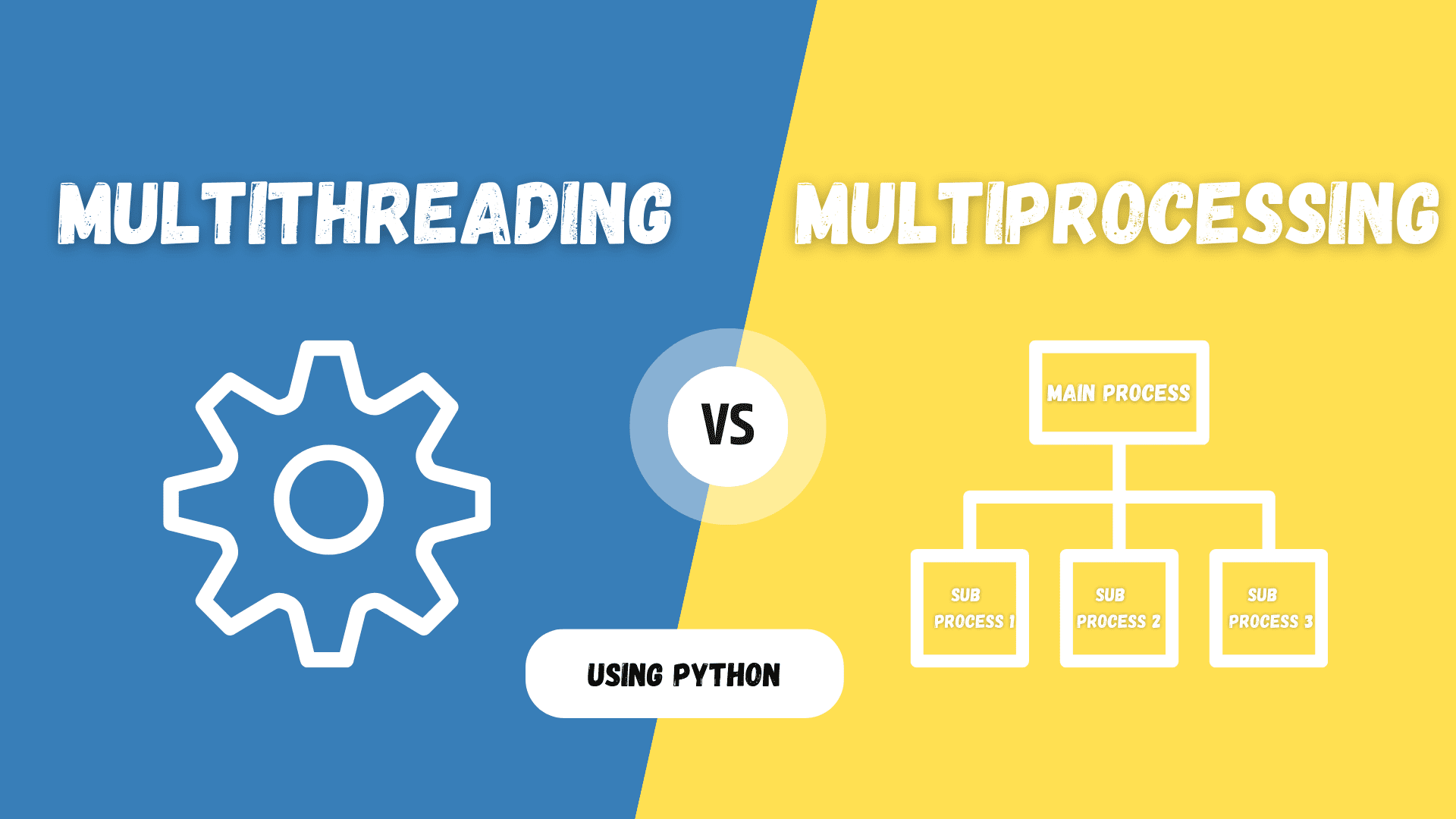
Two workers, two very different toolkits. One shares memory and moves fast on I/O; the other clones itself and truly parallelizes CPU work. Here's exactly how each one works, where they break, and which one your code actually needs.
|By affordable AI, Nagpur
Every real application eventually hits the same wall: one task blocks another. Maybe your app is waiting on a slow API call while the UI freezes. Maybe you're crunching a 10-million-row dataset on a single core while three other cores sit idle. The fix is concurrency — running more than one unit of work "at the same time." But there are two fundamentally different ways to achieve it, and picking the wrong one silently kills performance instead of improving it.
Multithreading splits a single process into multiple threads that share the same memory space. Multiprocessing splits work across multiple independent processes, each with its own private memory. They look similar on the surface — both let you "do two things at once" — but the way they use memory, CPU cores, and communication is completely different, and that difference decides which one you should reach for.
Multithreading runs multiple threads inside a single process. Threads are lightweight — they share the same memory, file handles, and global variables of the parent process. Creating a thread is cheap, switching between threads is fast, and communication between them needs no serialization since they read and write the same memory directly.
The tradeoff: because threads share memory, two threads writing to the same variable at once can corrupt data — this is a race condition. Locks, semaphores, and mutexes exist to prevent this, but they add complexity and can slow things down.
Multiprocessing runs multiple independent processes, each with its own memory space, its own Python/runtime interpreter, and its own copy of the program's data. The operating system schedules each process onto a separate CPU core, so work genuinely runs in parallel — not just interleaved.
The tradeoff: spawning a process is heavier than spawning a thread, and since memory isn't shared, processes must talk through inter-process communication (IPC) — pipes, queues, or shared memory segments — which adds serialization overhead.
Every axis that actually matters when you're deciding in production.
| Factor | Multithreading | Multiprocessing |
|---|---|---|
| Memory model | Shared memory space across all threads | Separate, isolated memory per process |
| Best suited for | I/O-bound tasks (network calls, file/disk I/O, DB queries) | CPU-bound tasks (image processing, ML training, number crunching) |
| True parallelism | Limited in Python by the GIL; true on multi-core in C/Java/Go | Yes — each process runs on its own core independently |
| Creation overhead | Low — lightweight, fast to spawn | Higher — full OS process with its own interpreter/memory |
| Communication | Direct — shared variables (needs locks) | Indirect — via IPC: pipes, queues, sockets |
| Fault isolation | Weak — a crash in one thread can bring down the process | Strong — one process crashing doesn't affect the others |
| Common risks | Race conditions, deadlocks, priority inversion | Higher memory usage, slower startup, serialization cost |
If you're writing Python, there's one detail that trips up almost everyone: the Global Interpreter Lock (GIL). CPython — the standard Python implementation — only allows one thread to execute Python bytecode at a time, even on a machine with 16 cores. This means Python threads are concurrent but not truly parallel for CPU-bound work.
Here's why this matters in practice: if you spin up four threads to compress four large files, the GIL forces them to take turns using the CPU — you get almost no speedup. But if those four threads are instead waiting on network responses, the GIL is released during the wait, and threading gives you a real win because the bottleneck was never the CPU in the first place.
Multiprocessing sidesteps the GIL entirely — each process gets its own Python interpreter and its own GIL, so four processes really can use four cores at once. That's precisely why CPU-heavy Python work (data science, image processing, simulations) almost always reaches for multiprocessing instead of threading.
The same task — downloading data vs. crunching numbers — written both ways.
A quick gut-check: is your task waiting, or is it computing?
Each request spends most of its time waiting for a response, not using the CPU — the perfect job for lightweight threads.
Pure number crunching that needs every core working simultaneously — threads can't deliver this in Python.
Keep the interface thread free while a background thread saves a file or fetches data, so the app never freezes.
Split thousands of images across a process pool and resize/transform them truly in parallel across all cores.
Handle many concurrent client connections, each mostly idle between messages, without heavy per-client overhead.
Heavy matrix and physics computations scale near-linearly with more cores when run as separate processes.
If your program spends its time waiting (network, disk, user input) — reach for multithreading. If your program spends its time calculating (math, loops, transforms) — reach for multiprocessing. And for very large systems, it's common to combine both: a pool of processes, each running its own pool of threads.
Multithreading and multiprocessing solve the same surface problem — doing more than one thing at once — but they come from opposite philosophies: share everything and move fast, or isolate everything and scale truly in parallel. Understand what your workload is actually waiting on, and the right tool becomes obvious.
 Launch your Graphy