There are no items in your cart
Add More
Add More
| Item Details | Price | ||
|---|---|---|---|

From filtering rows to window functions — the practical SQL toolkit that shows up in almost every real analyst job, explained with syntax, examples, and when to actually use each one.
| By Affordable AI, Nagpur
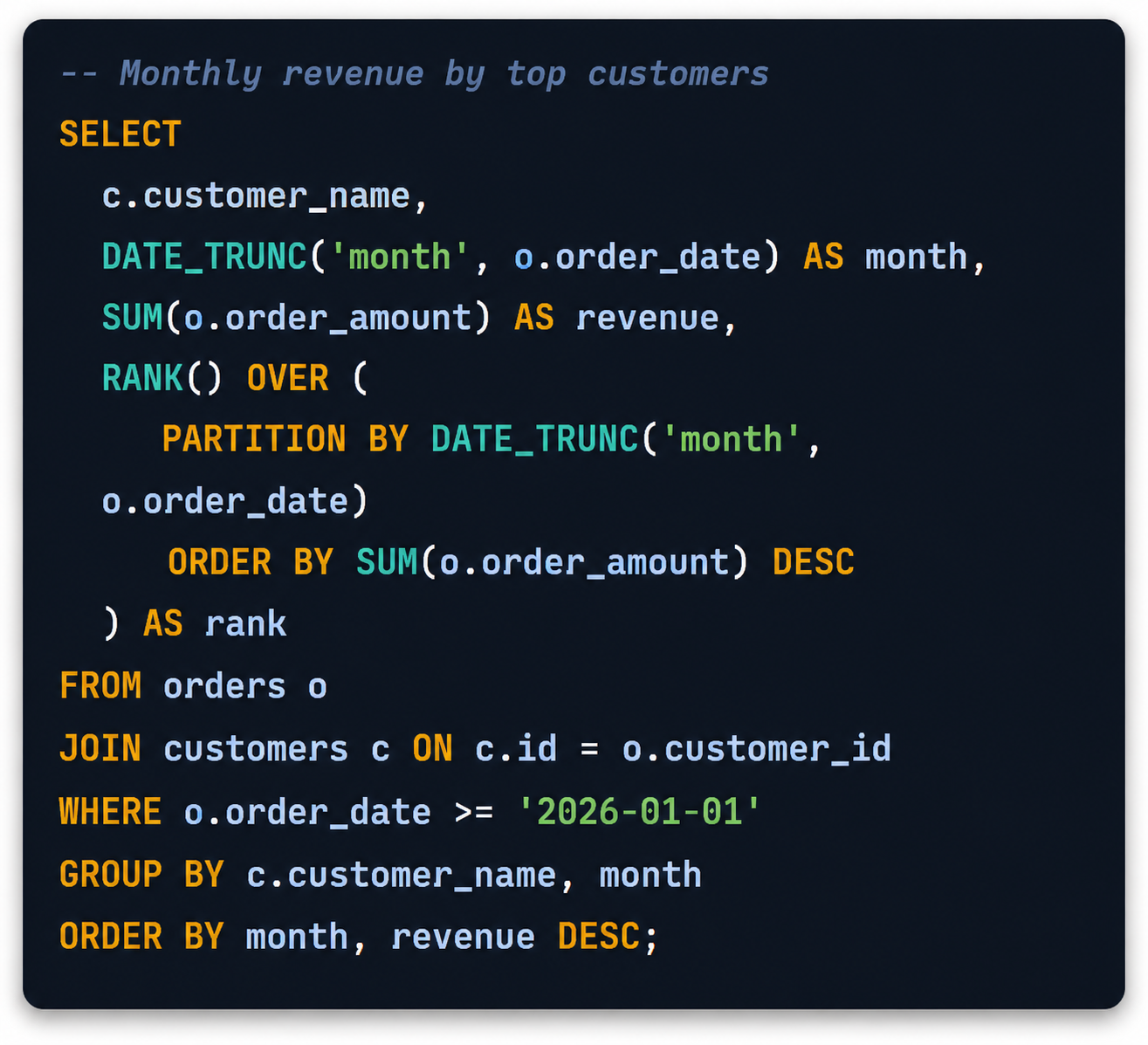
Dashboards get the attention, but almost every dashboard, report, and "quick number" a stakeholder asks for starts with a SQL query. Analysts who are fast and confident in SQL spend less time fighting the database and more time actually interpreting what the data means.
This guide walks through the queries that show up again and again in real analyst work — filtering, aggregating, joining, and the intermediate patterns like window functions and CTEs that separate a comfortable SQL user from a genuinely strong one.

Click any item to jump straight to the explanation and example.
Every example uses a simple orders, customers, and products schema so you can follow the logic without extra context-switching.
This is the query you'll write more than any other. SELECT chooses which columns to return, and WHERE filters rows before any grouping happens.
SELECT order_id, customer_id, order_amount, order_date
FROM orders
WHERE order_amount > 500
  AND order_date >= '2026-01-01';
ORDER BY sorts your result set, and LIMIT caps how many rows come back — essential for "top N" questions.
SELECT customer_id, order_amount
FROM orders
ORDER BY order_amount DESC
LIMIT 10;
Aggregate functions collapse many rows into a single summary number — the backbone of almost every KPI.
SELECT
  COUNT(*)              AS total_orders,
  SUM(order_amount)     AS total_revenue,
  AVG(order_amount)     AS avg_order_value,
  MIN(order_date)       AS first_order,
  MAX(order_date)       AS last_order
FROM orders;
GROUP BY buckets rows before aggregating, and HAVING filters those groups after aggregation — WHERE can't do that since it runs before grouping.
SELECT customer_id, COUNT(*) AS order_count, SUM(order_amount) AS total_spent
FROM orders
GROUP BY customer_id
HAVING SUM(order_amount) > 10000
ORDER BY total_spent DESC;
Real data lives across multiple tables. INNER JOIN returns only matching rows; LEFT JOIN keeps every row from the left table even without a match — critical for finding "missing" data, like customers with zero orders.
SELECT c.customer_name, o.order_id, o.order_amount
FROM customers c
INNER JOIN orders o
  ON c.id = o.customer_id;
SELECT c.customer_name, o.order_id
FROM customers c
LEFT JOIN orders o
  ON c.id = o.customer_id
WHERE o.order_id IS NULL;
A subquery runs first and feeds its result into the outer query — useful when you need to filter against an aggregated or computed value.
SELECT customer_name
FROM customers
WHERE id IN (
  SELECT customer_id
  FROM orders
  GROUP BY customer_id
  HAVING SUM(order_amount) > 50000
);
A Common Table Expression names a temporary result set so you can reference it like a table — it makes multi-step logic dramatically easier to read than nested subqueries.
WITH monthly_totals AS (
  SELECT DATE_TRUNC('month', order_date) AS month,
         SUM(order_amount) AS revenue
  FROM orders
  GROUP BY month
)
SELECT month, revenue,
       revenue - LAG(revenue) OVER (ORDER BY month) AS mom_change
FROM monthly_totals
ORDER BY month;
Window functions calculate across a set of related rows without collapsing them into one row — perfect for rankings, running totals, and period-over-period comparisons.
SELECT customer_id, order_date, order_amount,
  ROW_NUMBER() OVER (
    PARTITION BY customer_id ORDER BY order_date
  ) AS order_sequence,
  SUM(order_amount) OVER (
    PARTITION BY customer_id ORDER BY order_date
  ) AS running_total
FROM orders;
CASE WHEN is SQL's if/else. It's how you create custom categories, buckets, or flags right inside a query.
SELECT order_id, order_amount,
  CASE
    WHEN order_amount >= 1000 THEN 'High value'
    WHEN order_amount >= 300  THEN 'Mid value'
    ELSE 'Low value'
  END AS order_segment
FROM orders;
UNION combines the results of two queries into one list, removing duplicates. UNION ALL does the same but keeps duplicates and runs faster.
SELECT customer_name, 'Active' AS status FROM active_customers
UNION ALL
SELECT customer_name, 'Inactive' AS status FROM inactive_customers;
Almost every business question has a time dimension. Date functions let you truncate, extract, and compare dates cleanly.
SELECT
  DATE_TRUNC('week', order_date)     AS order_week,
  EXTRACT(DOW FROM order_date)      AS day_of_week,
  DATEDIFF(day, order_date, CURRENT_DATE) AS days_since_order
FROM orders;
Messy, missing, or duplicate data breaks reports silently. These patterns keep your results clean and trustworthy.
SELECT DISTINCT customer_id,
  COALESCE(discount_code, 'NONE') AS discount_code
FROM orders
WHERE customer_id IS NOT NULL;
Many BI tools want wide, pivoted tables. Combining CASE with an aggregate is the classic SQL way to turn row values into columns.
SELECT
  customer_id,
  SUM(CASE WHEN product_category = 'Electronics' THEN order_amount ELSE 0 END) AS electronics,
  SUM(CASE WHEN product_category = 'Apparel'     THEN order_amount ELSE 0 END) AS apparel
FROM orders
GROUP BY customer_id;
Put keywords on their own lines and indent consistently. Six months from now, you'll thank yourself.
Short, clear aliases like o for orders make multi-table joins far easier to scan and debug.
Add a LIMIT while building a query, then remove it once the logic is confirmed correct.
If a query is hard to read in one pass, it's usually a sign it should be split into named steps.
After a join, compare row counts before and after — a silent join explosion is the #1 cause of wrong numbers.
Explain business logic decisions in comments — the SQL itself already shows what's happening.
Explore structured, affordable data analytics and AI courses built for real career outcomes — SQL, Excel, Python, and dashboarding, taught with practical projects.
No — SELECT/WHERE, GROUP BY, JOINs, and CASE WHEN cover most entry-level work. Window functions and CTEs are what tend to come up in interviews for stronger roles, so they're worth practicing once the basics feel automatic.
The core patterns above work almost everywhere. Small differences show up mainly in date functions and string functions, so it's worth checking your specific database's documentation for those.
Write queries against a real, messy dataset rather than only following tutorials. Recreate reports you've seen at work, and try rebuilding each pattern in this guide from memory.
After. Joins are used constantly and come up almost immediately; window functions are an intermediate step once you're comfortable combining and aggregating tables.
 Launch your Graphy